Handoff opens your selects in Photoshop on Mac or Windows, as many as you choose. Each photo opens as a Photoshop document; RAW files open in Adobe Camera Raw first.
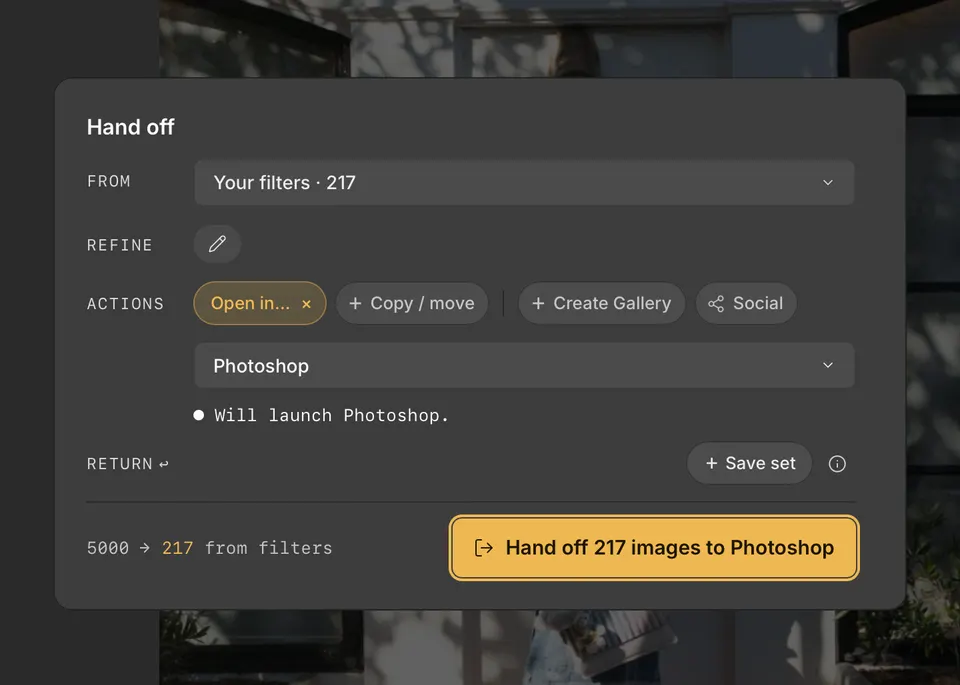
- Press H to open Handoff, and choose the photos with From and Refine. Choose Current photo in From to open just one.
- Under Actions, click Open in…, then choose Photoshop.
- Click the Handoff button, such as Hand off 12 images to Photoshop.