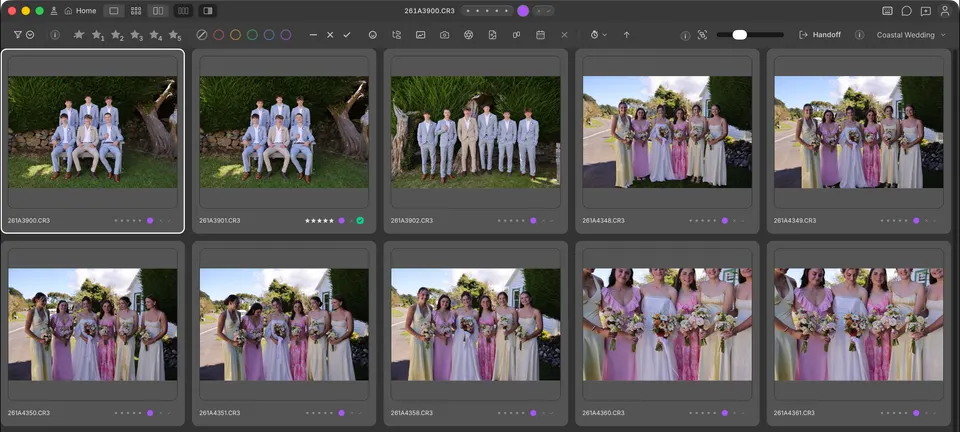
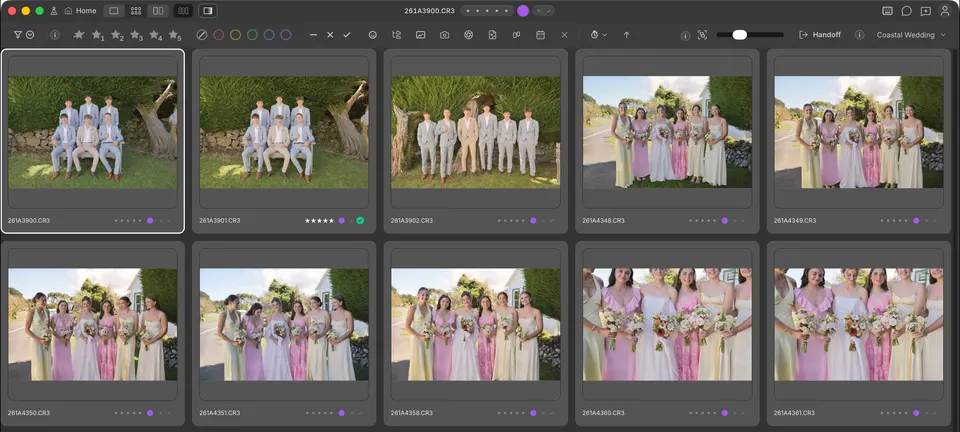
Your look, on every photo before you open it. A Colorbration is your editing style, packaged so Cullibrate can apply it for you. As with a preset, you choose it once and it edits every photo you hand off. Unlike a preset, it does not give every photo the same settings: it predicts the develop settings each photo needs.
More than a preset
A preset applies the same slider values to every photo. That works for photos shot in the same light, and leaves you correcting the rest: the dark photo, the bright window, the room with mixed light. A trained Colorbration looks at each photo, its brightness and its camera and exposure details, and adjusts settings such as exposure, contrast and highlights so each one lands closer to how you would finish it.
- A preset: the same values on every photo.
- A Colorbration: your preset as the starting point, then values predicted for each photo from the way you edit.
It starts as your preset
Every Colorbration starts from a Lightroom preset you already use, so it is useful from your first handoff: it applies that preset exactly. It then learns from the edits you finish in Lightroom Classic. A trained version takes over and adjusts each photo to your style, and each new version learns from more of your work.
Edits you can still change
A Colorbration writes ordinary Lightroom develop settings into each photo's XMP before Handoff sends it on. Nothing is baked into your photos: every slider stays editable in Lightroom Classic, and your originals never change.
Why the name
Colorbration is color plus calibration: your look, calibrated to each photo.
What you need
- Lightroom Classic, where Handoff sends your photos.
- A Lightroom preset to start from.
- To learn from your edits: a Cullibrate account and the free Adobe DNG Converter.
Ready? See Create a Colorbration.